Rombi Wardrobe
Four looks a day, from the clothes you already own.
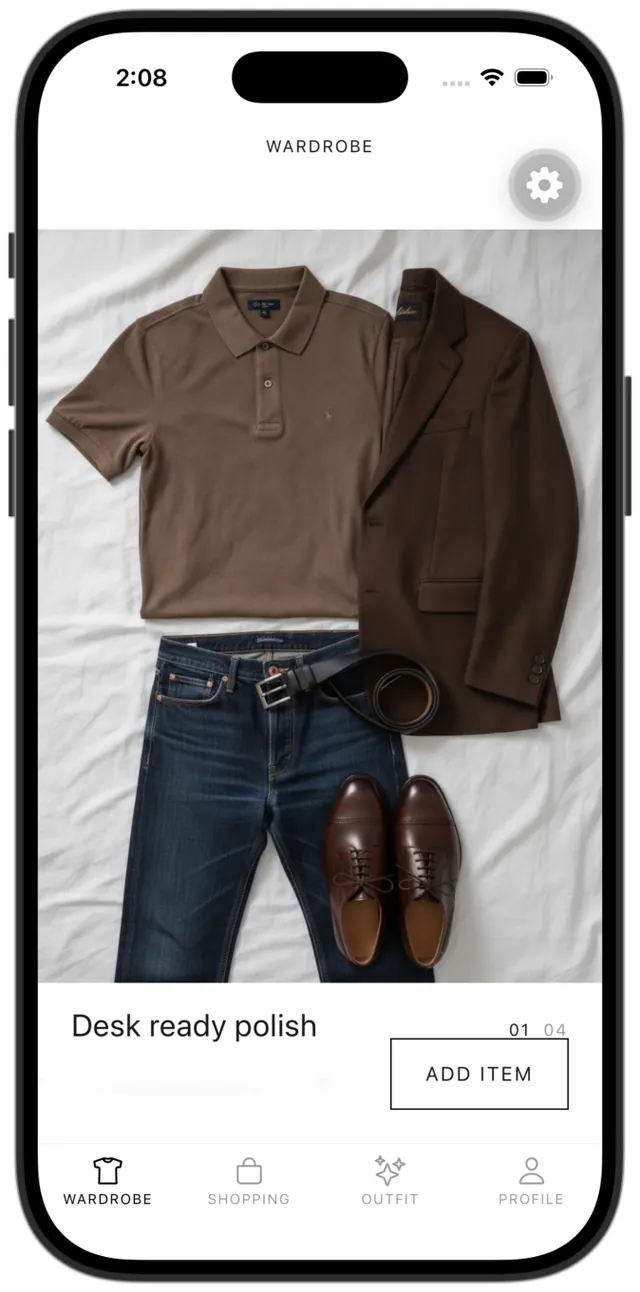
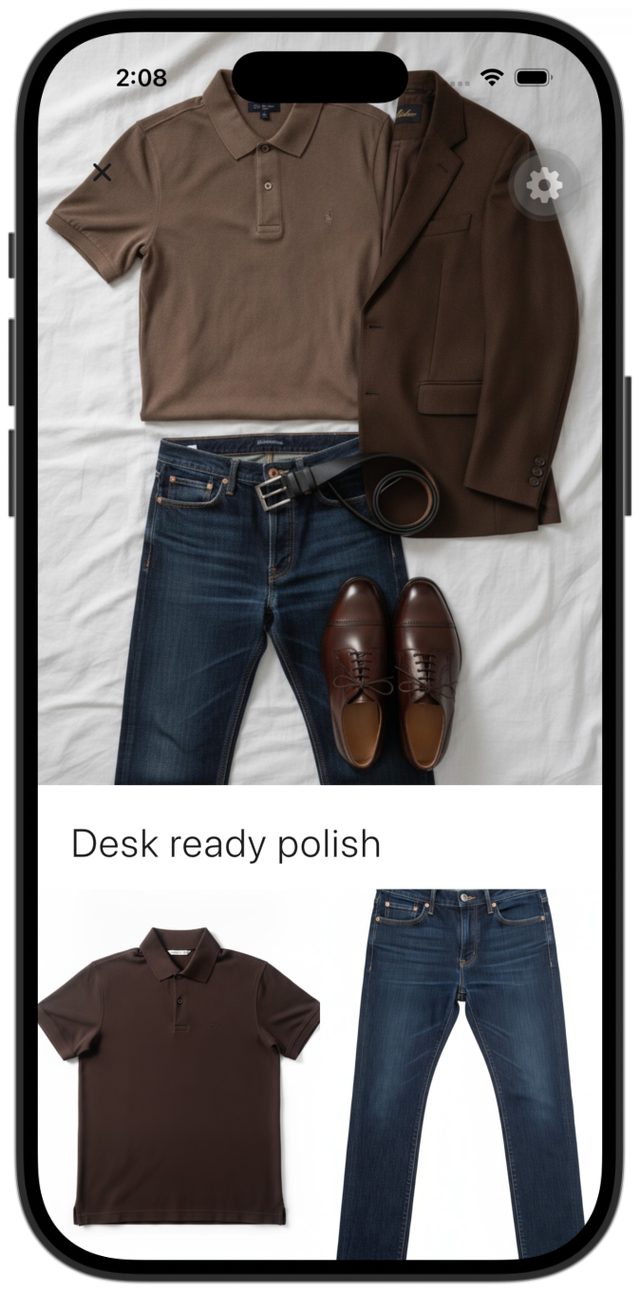
Scan your face for your colors, then photograph the clothes in your closet. Every day, Rombi Wardrobe lays out four complete looks on a white bed sheet, made only from what you own.


Free. Not a shopping feed.
-
Your colors
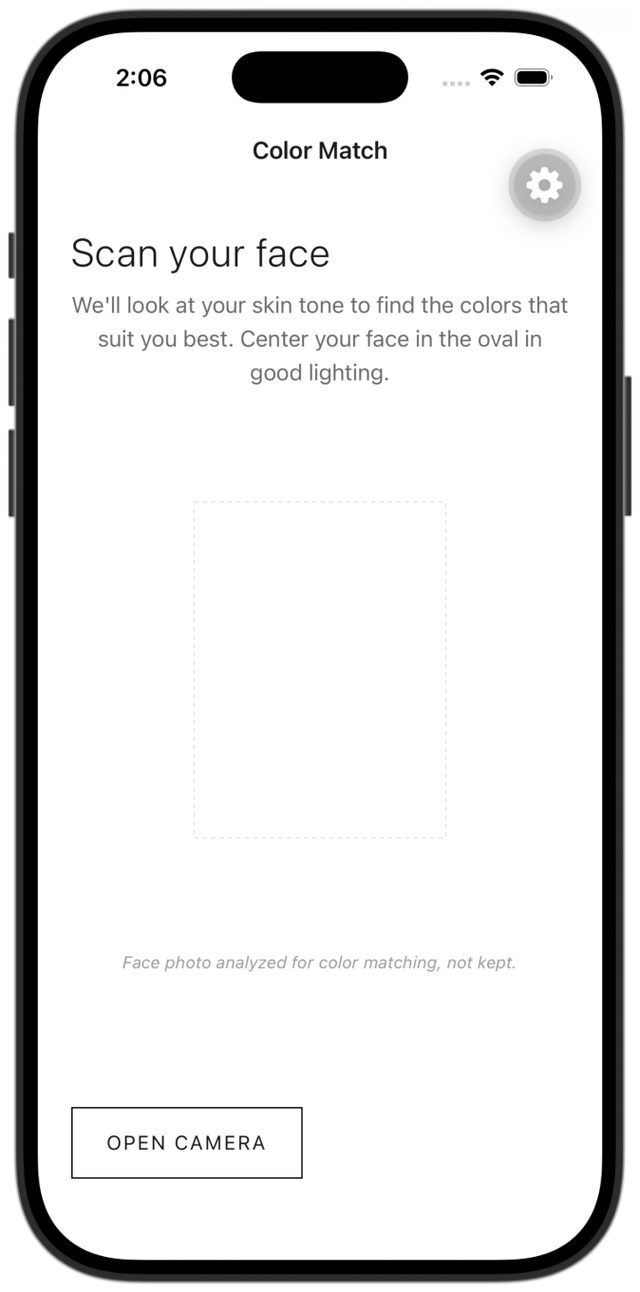
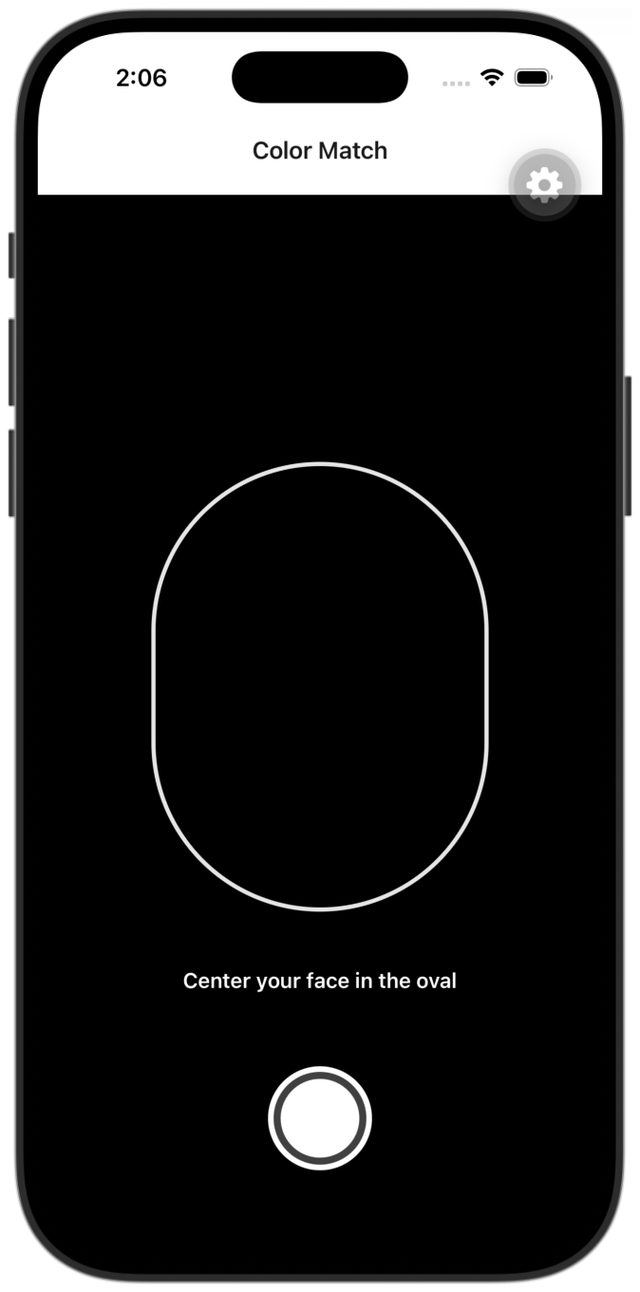
Scan your face in daylight. The app reads your undertone and season, then lists the colors that flatter you and the ones to avoid. The photo is discarded after analysis.
Then pick your body shape, so fits and silhouettes flatter you too.
You know which colors belong on you.
-
Your clothes
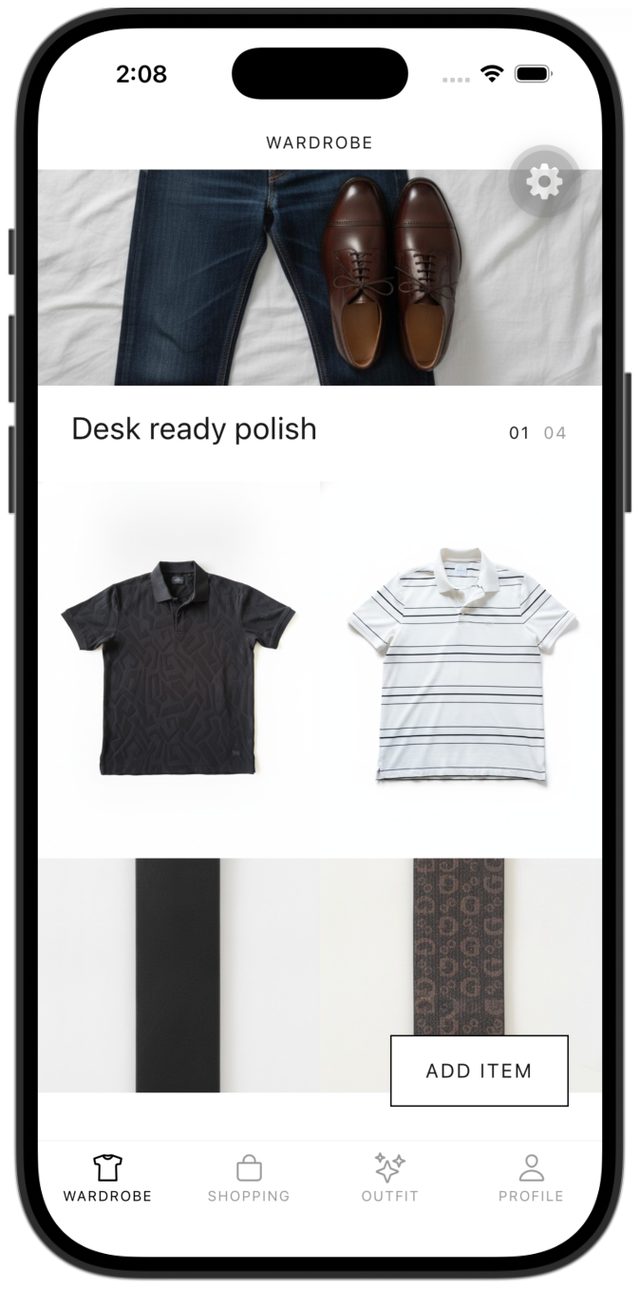
Photograph a whole rail, or one piece at a time. The app picks out each garment and builds your digital wardrobe.
You see what you own, in one place.
-
Today’s looks
Four complete outfits, each laid flat on a white bed sheet, with the pieces from your wardrobe shown underneath. New looks every day.
You pick one. You get dressed.


Five minutes to today’s looks.
Scan your face, then add three pieces: a top, a bottom, and shoes. That is enough to start. Sign in with Apple, Google, Microsoft, or email.
Your photos
Your face, for coloring. The scan is sent to a vision provider to read your undertone and flattering colors, then discarded. We do not keep it.
Your clothes, for the wardrobe. These photos are stored so the app can dress you. Profile → Delete Account removes your wardrobe items and images from our servers.
The Privacy Policy has the full detail.
Journal
Notes on dressing, from the house.
-
The first styling decision is color against skin.
Undertone is the temperature of your skin, not the surface tan.
-
Quiet is a wardrobe that does not ask for attention.
A quiet wardrobe is a small set of pieces that agree with your coloring and your days.
-
A digital wardrobe should dress you, not file you.
A digital wardrobe is a picture of the clothes you own so you can see them together.
Questions
Is it free?
Yes. Rombi Wardrobe is free on iPhone and Android.
How many clothes do I need?
Three pieces are enough to start: a top, a bottom, and shoes. A dress and shoes work too. The more of your closet you add, the more variety the four daily looks have.
What if I don’t like today’s looks?
There are four to choose from, and new ones arrive every day. Adding a missing piece, such as shoes, a bottom, or an outer layer, or retaking an unclear photo gives the next looks more to work with.
Is it a shopping app?
No. There is no feed of things to buy. The Shopping tab is a gap list: it names the pieces your wardrobe is missing.
What happens to my photos?
Face photos are analyzed and not kept. Wardrobe photos stay until you delete the item or the account. See Privacy.
Is it on iPhone and Android?
Yes. Sign in with Apple, Google, Microsoft, or email.
Tomorrow’s looks are already in your closet.
Free on iPhone and Android.